
Resume Builder
Build stunning resumes.
Start from scratch or upload your resume, pick from 10 templates, and let AI sharpen every line.
10 TemplatesFree to build and edit. Mcoins only when you download or use AI.
AI Writing
Turn plain duties into bullets that get read
Next to any description, pick how the AI should rewrite it. The change shows on your resume straight away, and you keep only what you like.
How It Works
From blank page to ready to send in five steps
Start fresh or bring your resume
Create a blank resume, or upload a PDF or DOCX and MODNCV fills in every section for you.Pick a template
Choose from 10 templates, from single-column ATS layouts to modern designs. Switch any time without retyping.Write it with AI help
Fill in each section with a live preview beside you, and let the AI rewrite any description when you need a stronger line.Tailor it to a job
Paste a job description to see your match, the skills you have and the ones it’s missing, for 10 Mcoins. Then rewrite the resume for that role.Download or share
Download a PDF for 10 Mcoins, with free re-downloads while you keep the same template, or share a read-only link you can turn off any time.
Design
Make it look like you
Choose from 16 colour palettes and 10 fonts, set the size, weight and spacing, and see every change on your resume as you make it. Try it here.
Templates
10 templates, one click to switch
ATS layouts keep to a single, machine-readable column. Modern and Classic add more design. Your content moves with you whichever you choose.
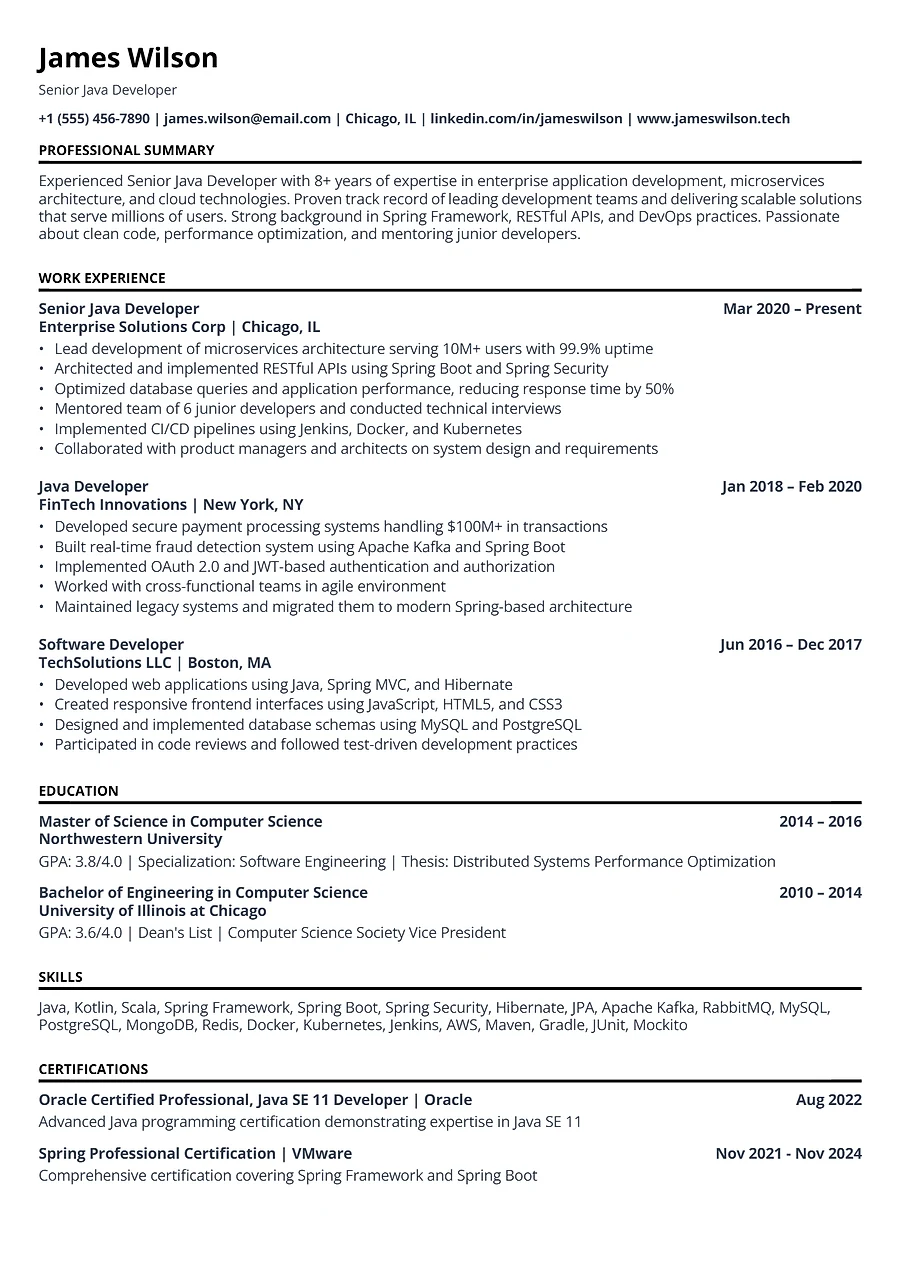 ATS
ATS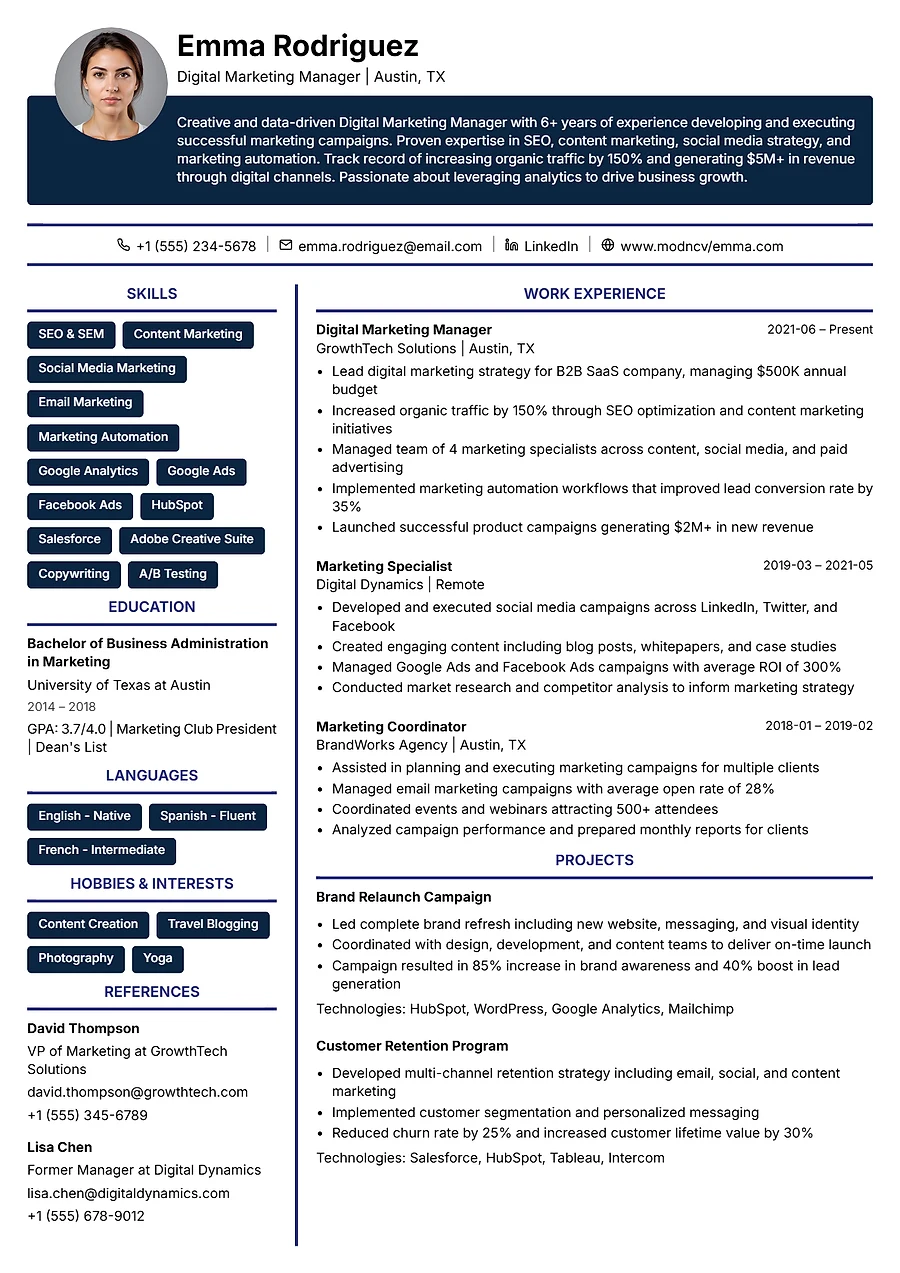 Modern
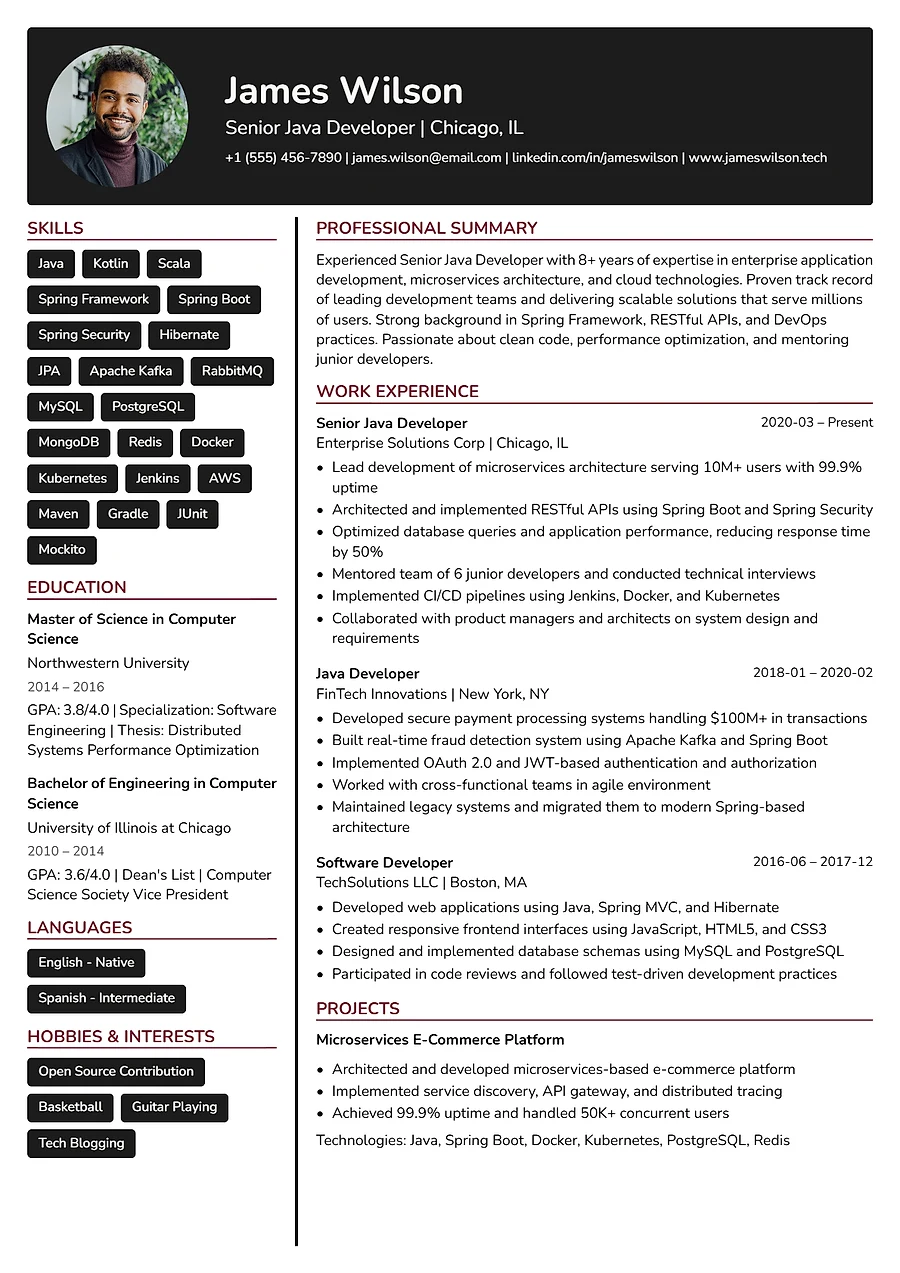 Classic
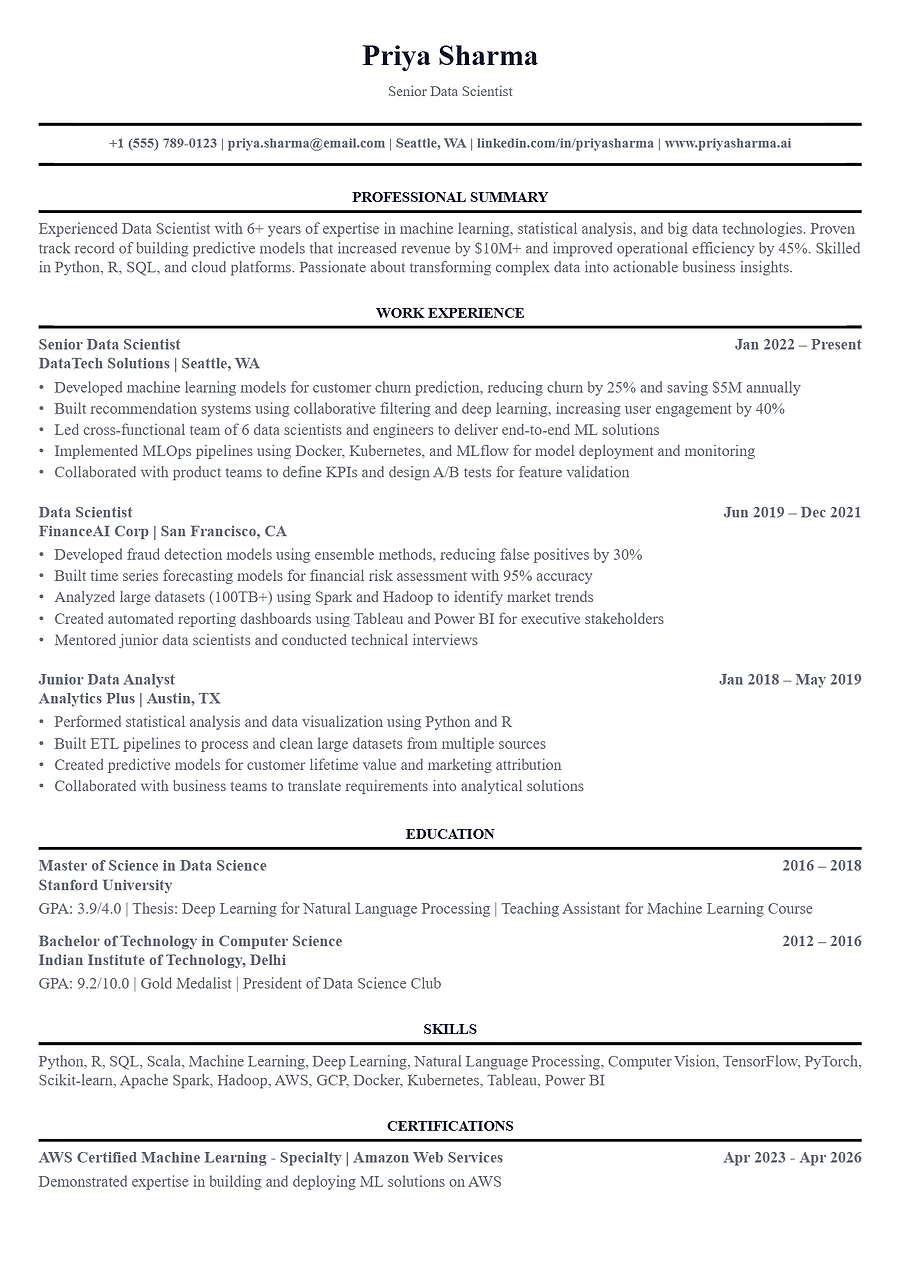 ATS Classic
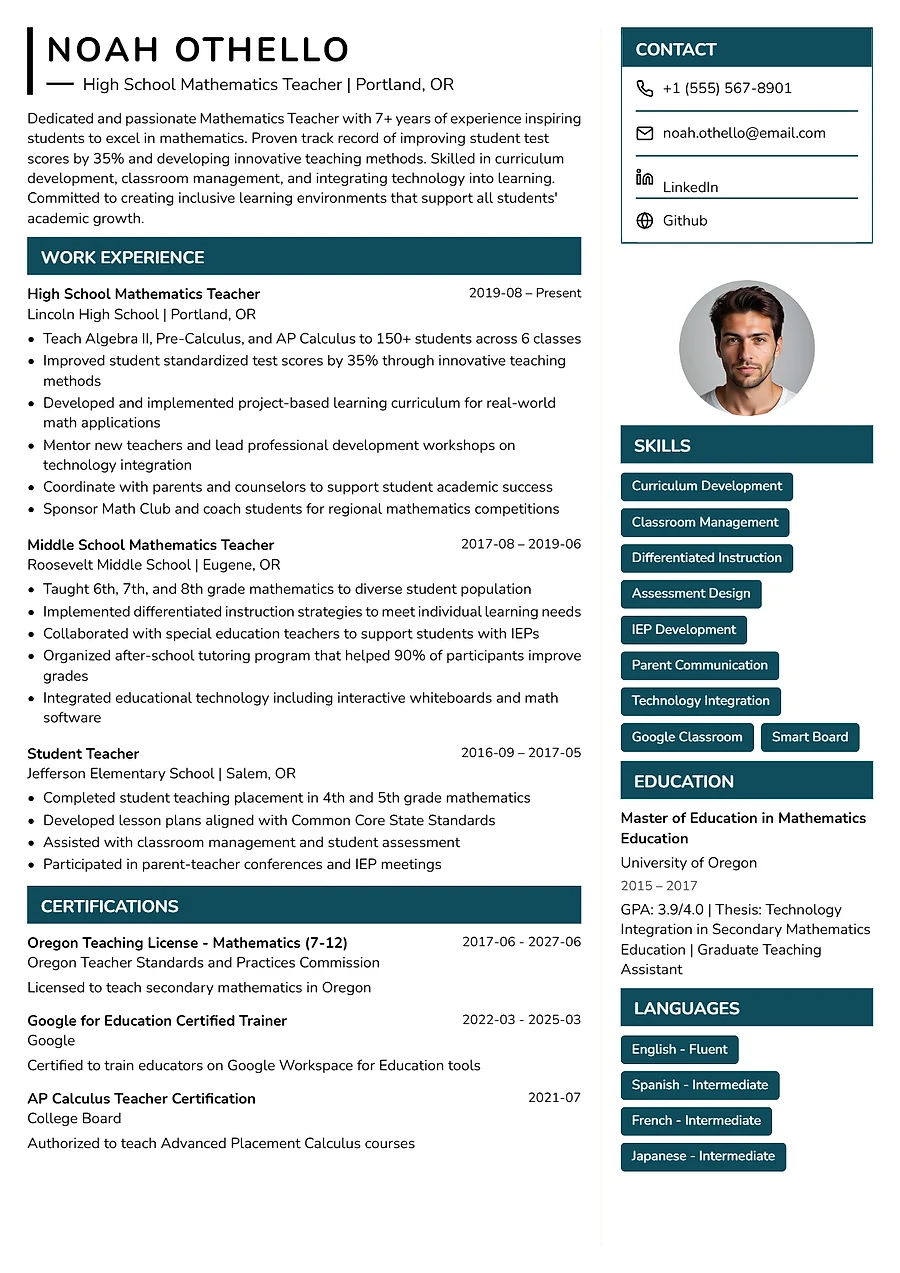 Modern Core
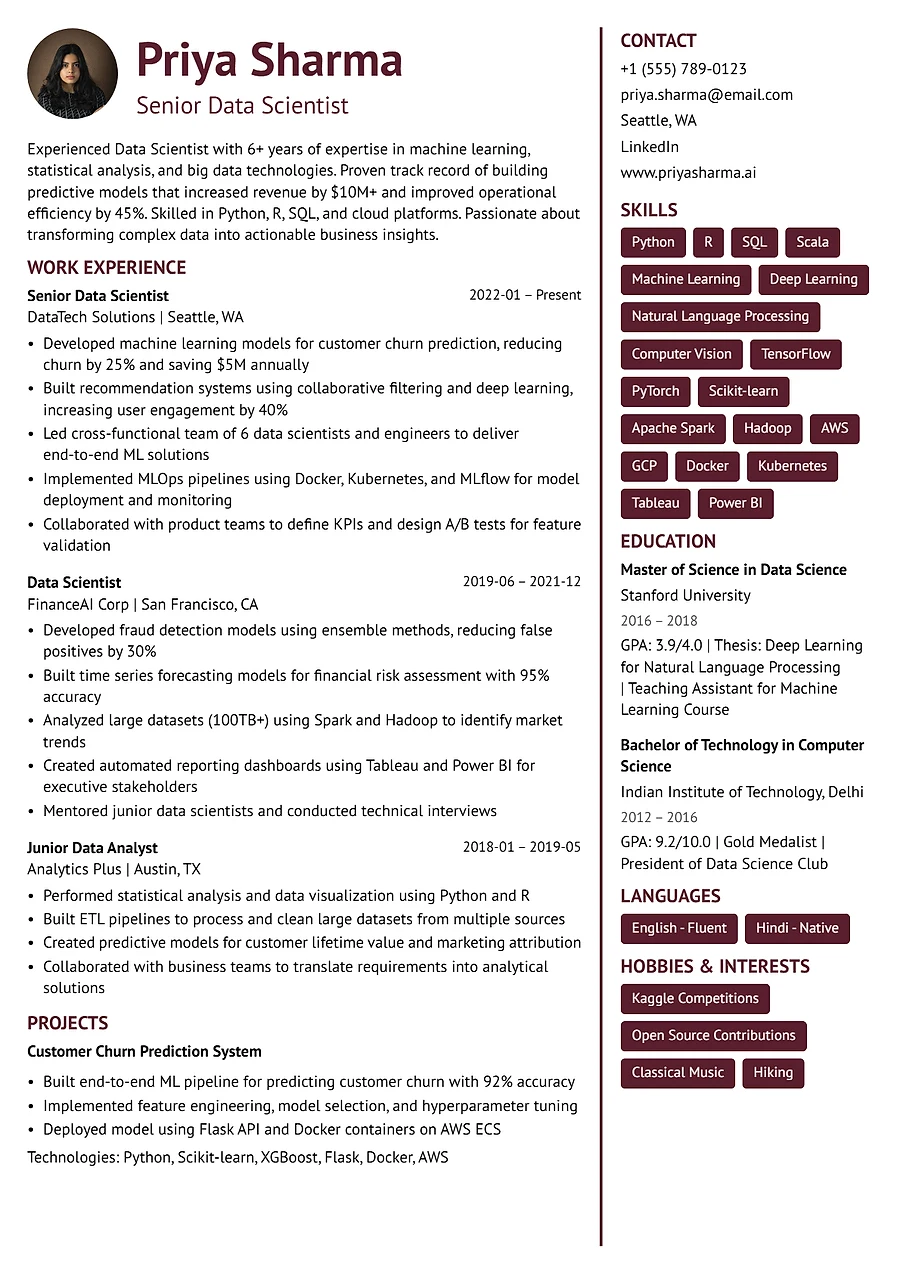 Modern Axis
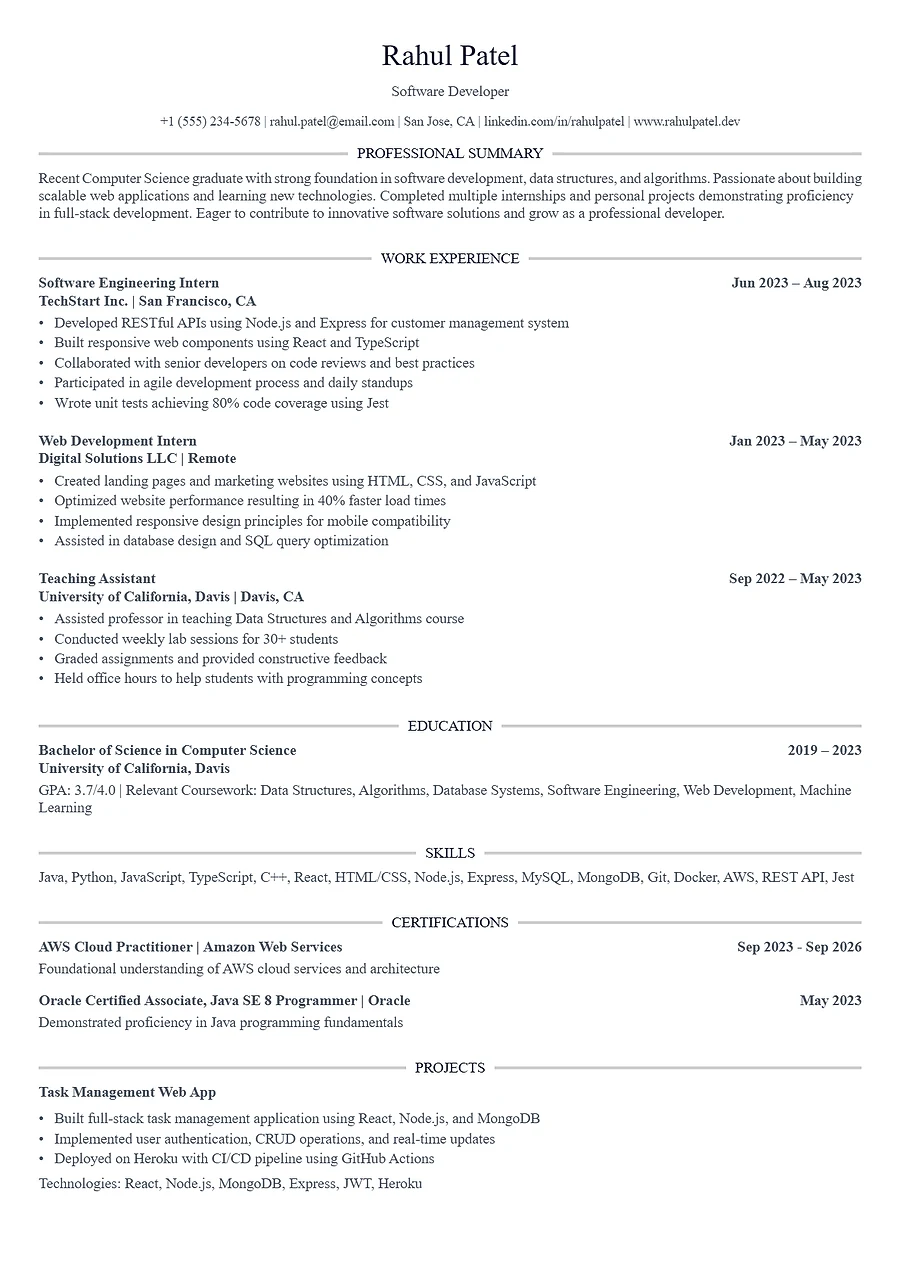 ATS Executive
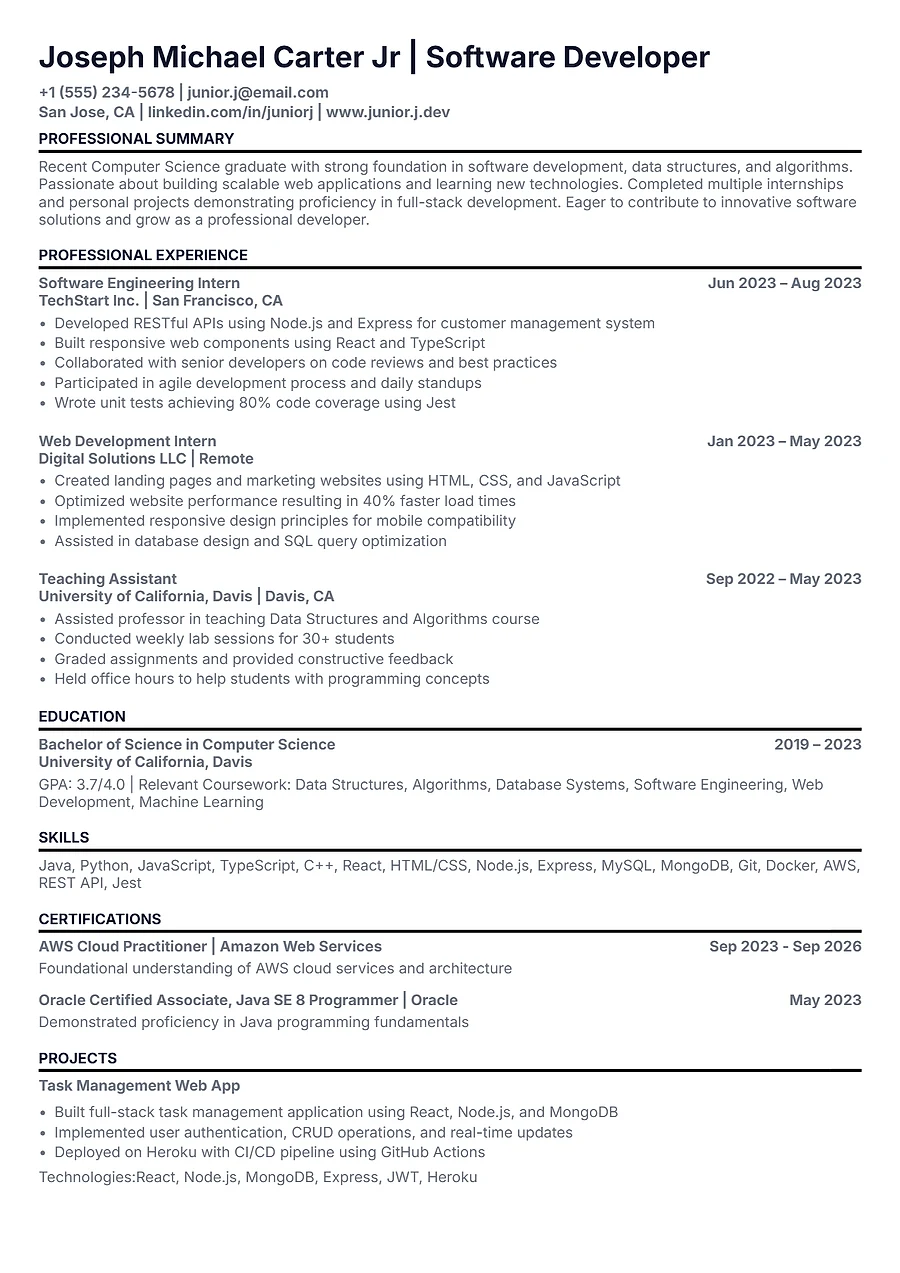 ATS Authority
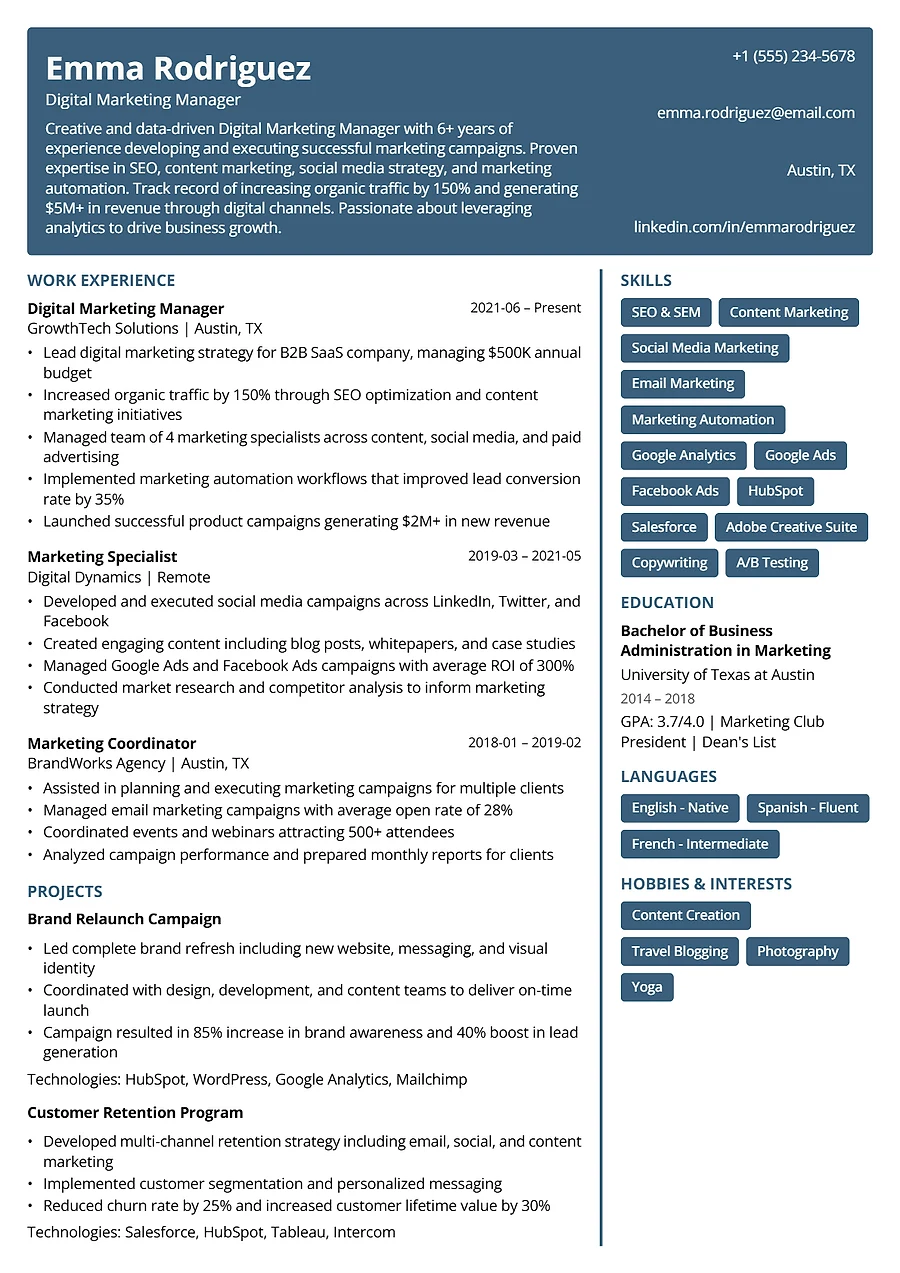 Classic Core
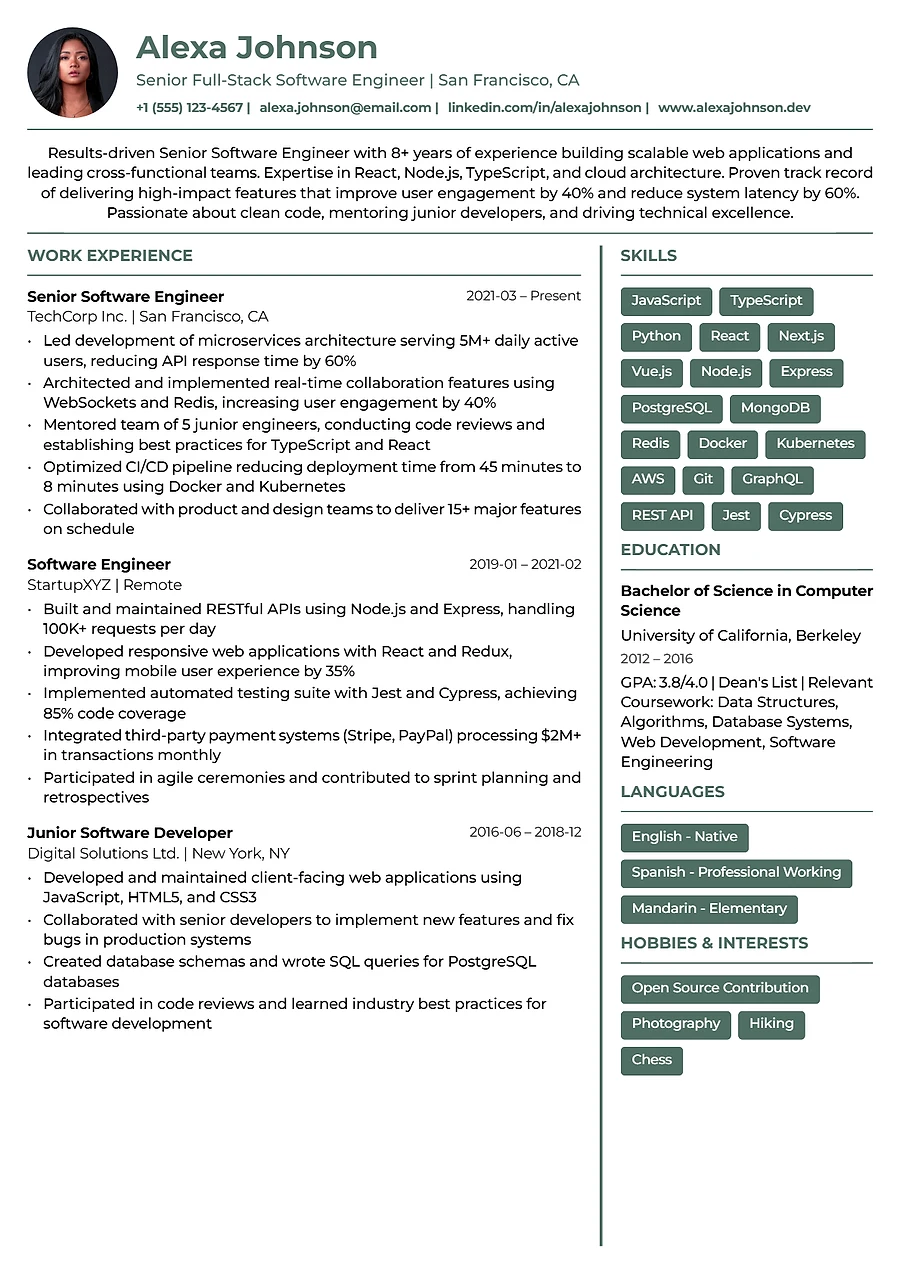 Classic Standard
FAQs
Questions? We're glad you asked.
Building and editing are free. You spend Mcoins only when you download a PDF (10 Mcoins, with free re-downloads while you keep the same template), use an AI rewrite (3 to 8 Mcoins) or run a Job Match (10 Mcoins).
Yes. Upload it as a PDF or DOCX and MODNCV reads it and fills in each section for you. Then pick a template and edit anything you like.
The ATS templates keep to a single column with plain section headings, so applicant tracking software can read every line in order. Multi-column layouts are turned off for them.
Safe Rewrite only changes your wording and never adds facts. Suggest Metrics marks where a number would help and leaves the gap for you to fill with your real result. You review every change before keeping it.
Yes. Paste the job description into Job Match to see your overall match and the skills you have, are missing or need to strengthen. You can then rewrite the resume for that role.
Yes. Keep as many as you need in your dashboard, and duplicate one to start a version for a different role.
Download it as a PDF, or share a read-only link. Anyone with the link can view your resume, and you can turn the link off at any time.
Guides for a stronger resume
- ATS Insights, 12 min readOutsmart the Bots: How ATS Resumes Are Dominating the 2026 Job MarketMachines now decide if your resume reaches a human. How to write one they can read.
- Education Gap, 10 min readThe Missing Link: How Indian Colleges Overlook Resume Building SkillsWhy so many graduates leave college without the tools to present themselves well.
- Career Enhancement, 9 min readResume Importance: Unlocking 60%+ Hiring Success in 2026How a well-built resume gets past screening and into an interview.
- ATS Mastery, 8 min readMastering ATS in 2026: Optimize Resumes to Beat AlgorithmsPractical ways to structure your resume so screening software reads it correctly.
Your next resume starts here.
Start from scratch or upload the one you have. Building and editing are free.